How to Create Your First Book with AnyTale
A friendly, step-by-step walkthrough for beginners: start a new book, add your story idea, let AI generate pages and art, then review and save.
How to Create Your First Book with AnyTale
Creating a personalized children's book might sound like a big project, but with AnyTale you can go from a simple idea to a finished, illustrated story in one sitting. This guide walks you through every step, so even if it's your very first time, you'll know exactly what to do.
1. Start a new book
From your dashboard, click Create new book. Give your project a working title and choose the language you want to write in. Don't worry about getting anything perfect yet, this is just your starting point and you can change every detail later.
2. Enter your story idea
Describe the story you imagine in a few sentences. The more you share, the better the results, so consider including:
- The main character's name and age
- A simple setting (a forest, a spaceship, grandma's kitchen)
- The lesson or feeling you want the story to carry
Even a single sentence is enough to begin. AnyTale reads your idea and fills in the rest, turning your words into a structured story.
3. Let AI generate your pages
Click Generate and the AI writes your story page by page. In moments you'll see a complete draft with the text laid out across the pages of your book. Read it through and notice what you love and what you'd like to adjust. Nothing here is final, so feel free to generate again if you want a different direction.
4. Add the illustrations
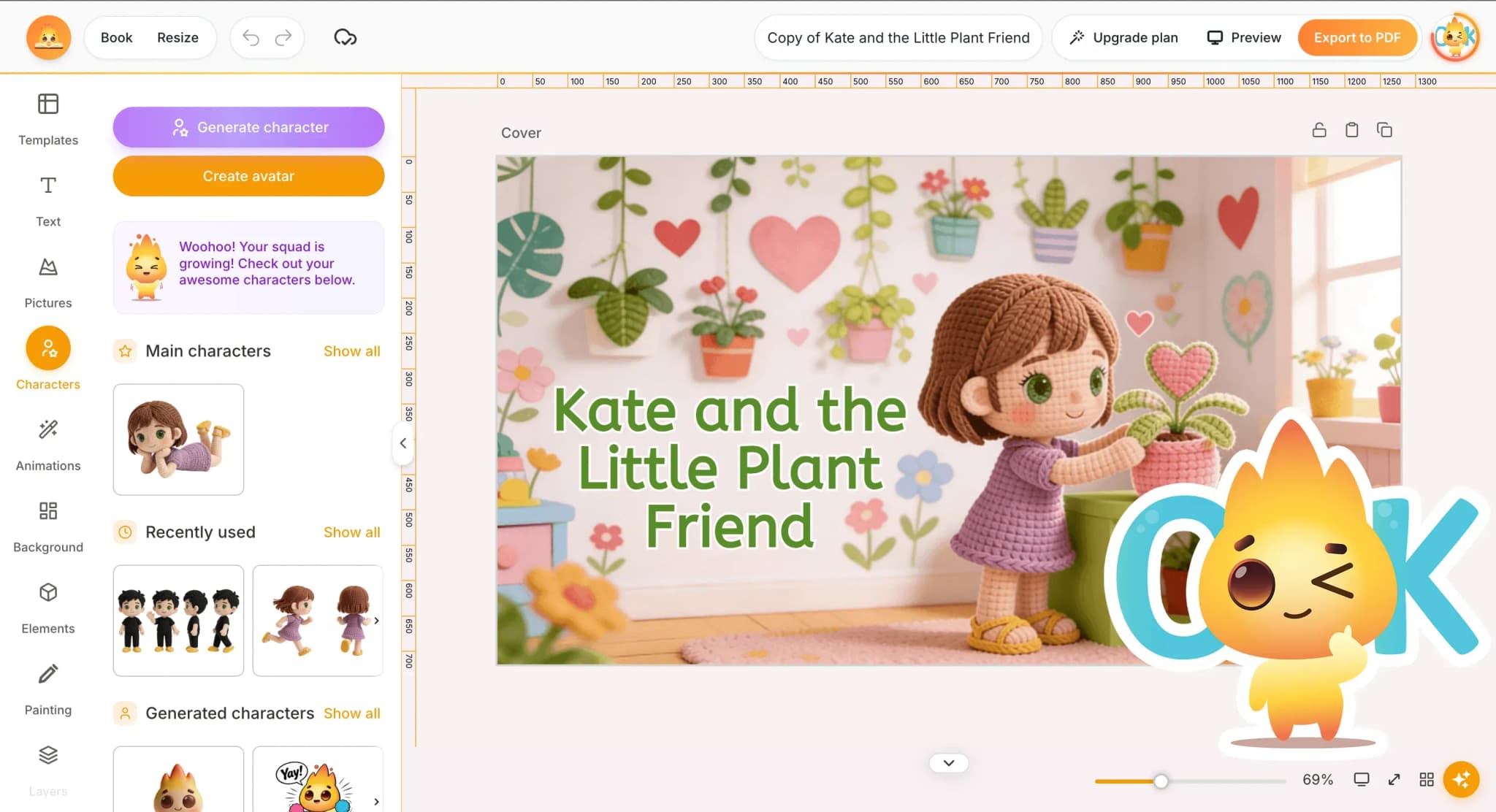
Next, generate the artwork. AnyTale creates illustrations that match each page and keeps your main character looking consistent from the first page to the last. Pick an art style you like, then regenerate any single picture until it feels right for the scene.
5. Review and edit
Now make the book truly yours. You can:
- Rewrite or polish any sentence
- Swap a name, place, or detail
- Regenerate a single page or illustration
- Reorder or remove pages
Take your time and read the story aloud, as you would to a child. Small edits often make the biggest difference, and there's no limit to how many times you can refine a page.
6. Save your book
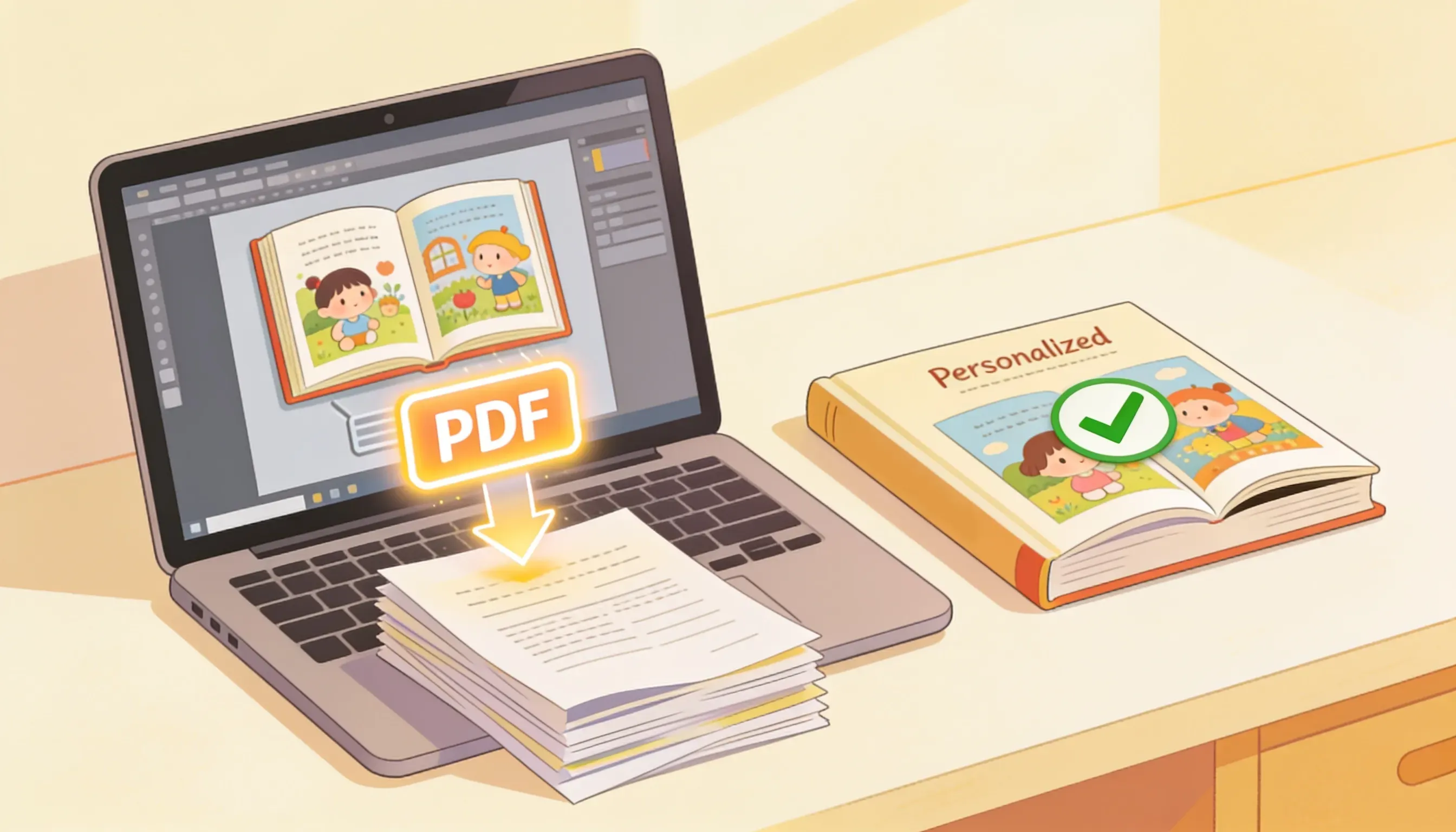
When you're happy, click Save. Your book is stored safely in your library, so you can return any time to keep editing, translate it into another language, or get it ready to print and publish.
That's it, you've created your first AnyTale book. Have fun, and let your imagination lead the way.
Share this article
Need help? Have a question? Chat with our team — we're happy to help.